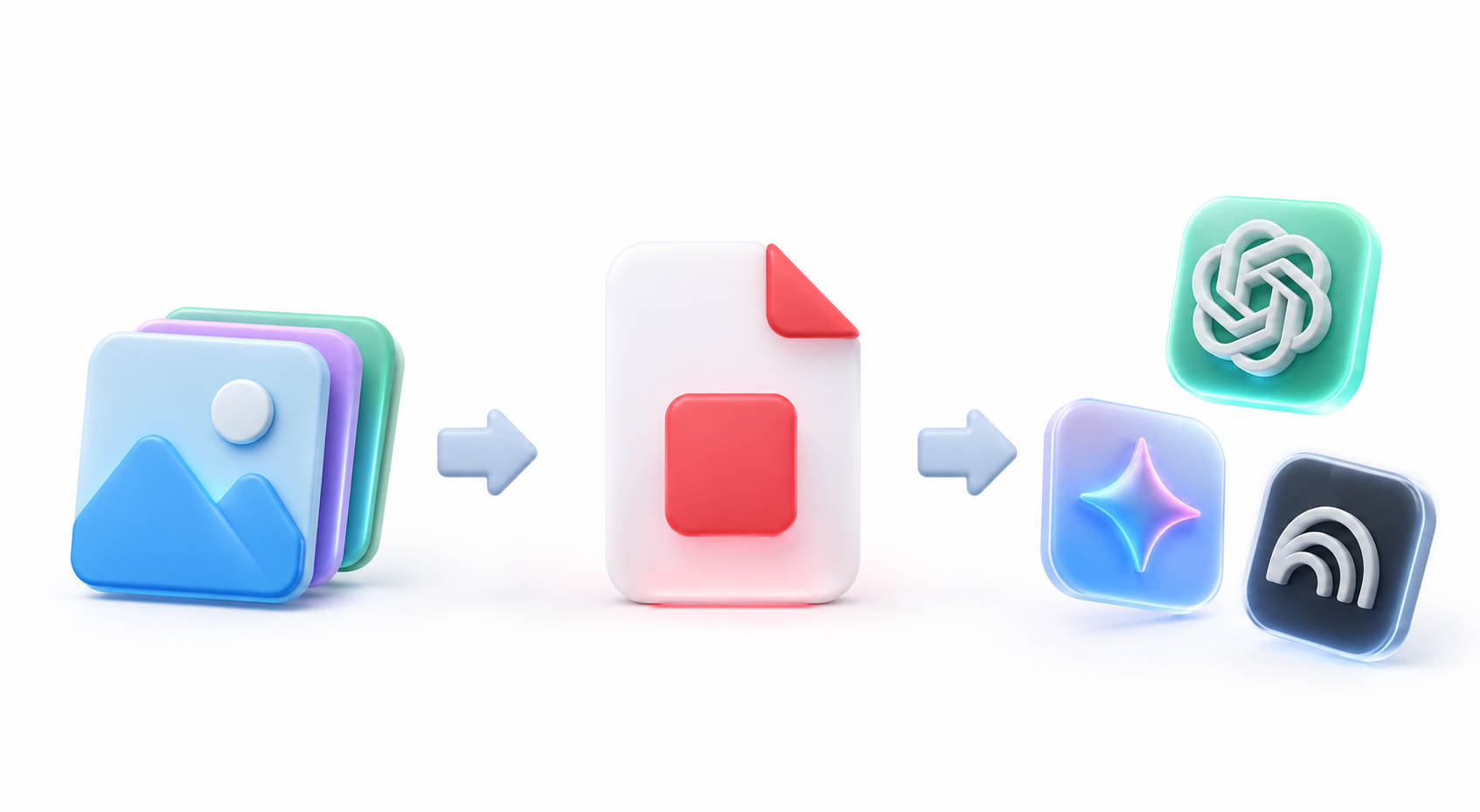
Can I convert and merge JPG, PNG and WebP images into a PDF?
Yes. In addition to HEIC, S2ImagetoPdf supports JPG, PNG and WebP images. You can merge multiple images into one PDF document in order.
Can iPhone HEIC photos be converted directly to PDF?
Yes. You can merge iPhone HEIC/HEIF photos directly into a PDF without converting them first.
Are my photos or PDFs uploaded to an external server or cloud?
No. Your photos and generated PDFs are not uploaded to or stored on any external server or cloud. Every conversion is handled safely inside your browser.
Can I create a PDF that fits the image instead of A4?
Yes. In Advanced Settings, choose Fit to image under Page Mode to create PDF pages that match the image ratio. The image fills the page without extra margins.
Is it completely free? Is there a limit?
It's completely free with no usage limits. You can merge up to 50 photos at once.
Can I upload the PDF to AI tools like ChatGPT or NotebookLM?
Yes. You can convert multiple images into one standard PDF and upload it easily to AI tools like ChatGPT, NotebookLM, and Claude.
Can I mix landscape and portrait photos?
Yes. The default Auto mode detects each image ratio and places landscape photos on landscape pages and portrait photos on portrait pages.
Can I use it directly on iPhone and Android?
Yes. You can use it in iPhone and Android browsers without installing an app. Select photos, convert them to PDF inside your browser, and download the result.
 S2ImagetoPdf